



The Hidden Vulnerabilities of External Scanning in Smart Lockers
Discover why external scanning in smart lockers can pose significant security risks and explore more secure alternatives for managing your assets
5 min read
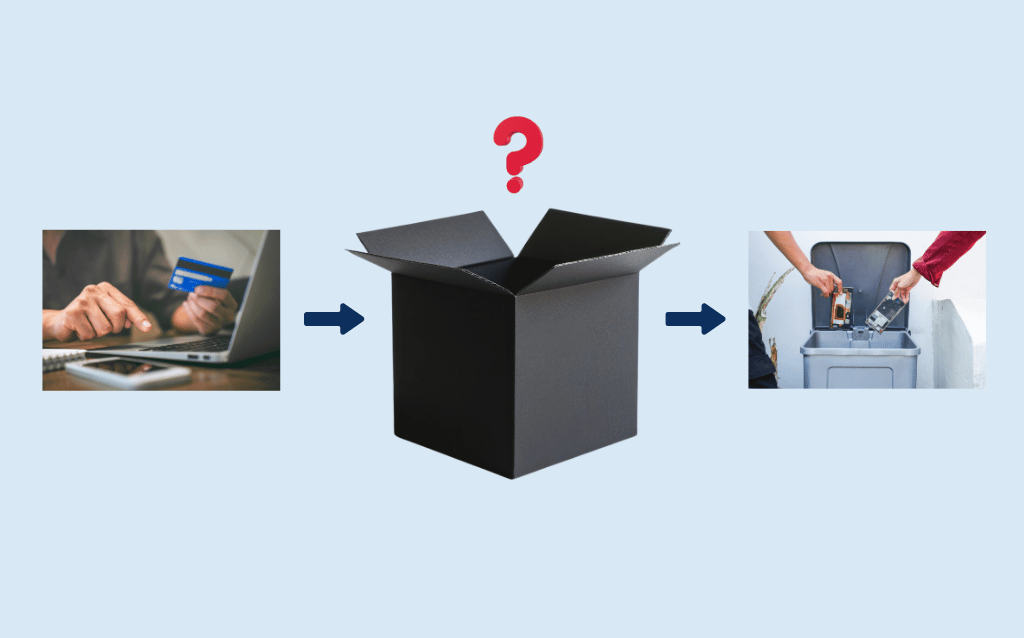
Many organizations actively manage their equipment only at two points: purchase and disposal. The three, five, and ten years in between are a complete accountability "black box" to them.
This article explores what these black boxes can cost you and how automating Asset Lifecycle Management (ALM) best practices with intelligent lockers will reveal what’s happening inside.
Devices are dropped, screens crack, batteries degrade, equipment vanishes into breakrooms, or gets tucked away out of circulation because someone wants it for themself next shift. All of this can happen inside that black box.
Because standard asset tracking only records whether a device exists (or is missing), managers have zero visibility into its actual condition and how that affects their workflows.
Costs can balloon when you don’t have ongoing, accurate insights into the health of your basic equipment. You end up buying replacement hardware you don't need because device failures appear unpredictable. Over weeks and months, a few minutes of downtime at the start of each shift adds up to days of wasted labour.
Gaining those insights requires shifting from static tracking to active ALM. That’s what intelligent lockers are for. Every check-in and check-out captures important details, like your device’s condition, battery status, and usage metrics. You open up the mid-lifecycle black box without adding administrative work to your team's day.
Plan > Acquire > Operate & Maintain > Dispose
Accountability is baked into the beginning and end of this four-stage process when equipment is in a “high touch” state. But it tends to break down in the extended middle, that black box where daily operational friction creates blind spots.
You identify equipment needs based on an existing performance gap. You set a budget based on the scope of the problem you’re solving and identify the best-fit vendor.
Your procurement team makes a purchase, and when the equipment arrives, you perform your standard intake process. That can include inventorying, logging into your management system, and affixing barcodes or RFID tags for scanning.
This is the black box where your digital paper trail dries up. Thousands of unmonitored handoffs could occur over an average 3-to-5-year lifespan.
Then suddenly, there’s one final burst of reliable recordkeeping when an asset reaches the end of its lifecycle.
When you only track an asset at purchase and retirement, the years in between become a costly black box. Unmonitored daily usage can hide all types of operational drain:
Many smart locker systems rely on badge swipes or RFID card taps to authenticate users—Tap IDs. When an employee taps their badge, the compartment unlocks, and the system logs a successful transaction. On paper, your locker system records a clean, complete transaction. Assets secured.
In reality, a simple card tap only tracks intent, not an actual transaction. The system logs that a door opened, but it can’t actually tell whether anything changed inside the compartment.
This creates a dangerous gap in your asset lifecycle documentation—one that bad actors can easily exploit and well-meaning employees can accidentally fall into.
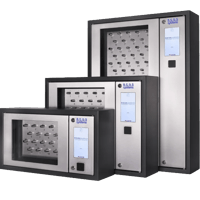
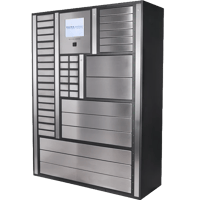
To close the knowledge gap around everyday operations, you need to turn storage lockers into active management systems. By embedding intelligence at the point of deposit and retrieval, ecos intelligent lockers capture vital operational data simply by observing what your team members do during normal business.
Your team collects or returns their gear to do their jobs, and the system automates maintenance, rotation, and usage logs in the background.
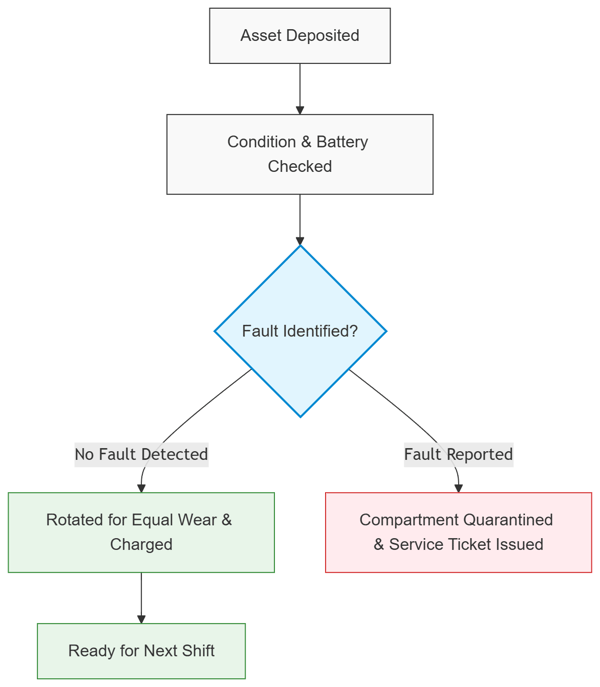
If there isn’t a convenient way to report damage—often the case with manual management or basic tap-scan systems—employees might forget or not bother to seek out their supervisor.
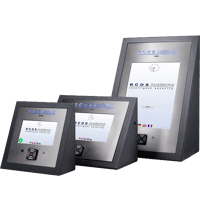
ecos intelligent lockers solve this problem with touch-screen fault reporting right at the locker terminal. When depositing a device, the user can flag specific hardware issues—such as a cracked housing, worn trigger, or battery defect. Once flagged, the locker system can execute two automated actions:
Employees with free access to grab the newest-looking device on a shelf, or the one at the front—likely the last one returned—doesn't help balance utilization rates across your equipment. Hardware will get banged up disproportionately. Some batteries will charge poorly while others have barely been used.
ecos locker software helps balance equipment utilization rates using intelligent rotation and device-selection algorithms. Instead of letting workers pick just any device off a shelf, you can configure the system to dispense the asset with the lowest total operating hours.
ecos smart lockers feature built-in charging ports inside each compartment. Devices charge continuously while stored so they’re powered and ready for immediate deployment. For example, when a user badges in at the lockers and requests a new handheld scanner, the locker identifies the device that’s been idle and charging the longest and unlocks only that door.
When equipped with intelligent sensors, locker systems will act as data collection hubs. Much like Internet of Things (IoT) sensors, which sit right inside industrial equipment to monitor it, intelligent lockers sit right inside your workflows. They are an excellent source of business intelligence you can feed to your other enterprise systems.
With digital locker systems, your equipment data is trapped inside the locker software. Fully integrated, intelligent lockers take those raw system interactions and put them in context. They integrate locker data with other business data, giving you actionable insights into your workflows.
For example, you gain real-time visibility into:
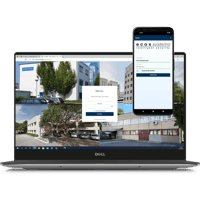
To build this type of end-to-end business integration, you need a way to get data into your other everyday business systems. ecos smart lockers feature an open API architecture designed to feed physical asset metrics directly into your existing enterprise software environment.
Smart lockers are so much more than just lockers. They’re passive lifecycle management systems for your equipment. They capture important, time-stamped device data and generate actionable business intelligence without adding extra steps to your team’s routine.
When you replace the mid-lifecycle black box with data-driven decision-making, you extend your hardware's lifespan and maintain peak operational effectiveness.
Take full control of your equipment fleet. Request a demo today to discover how ecos systems deliver automated, intelligent asset lifecycle management for modern operations.

Discover why external scanning in smart lockers can pose significant security risks and explore more secure alternatives for managing your assets
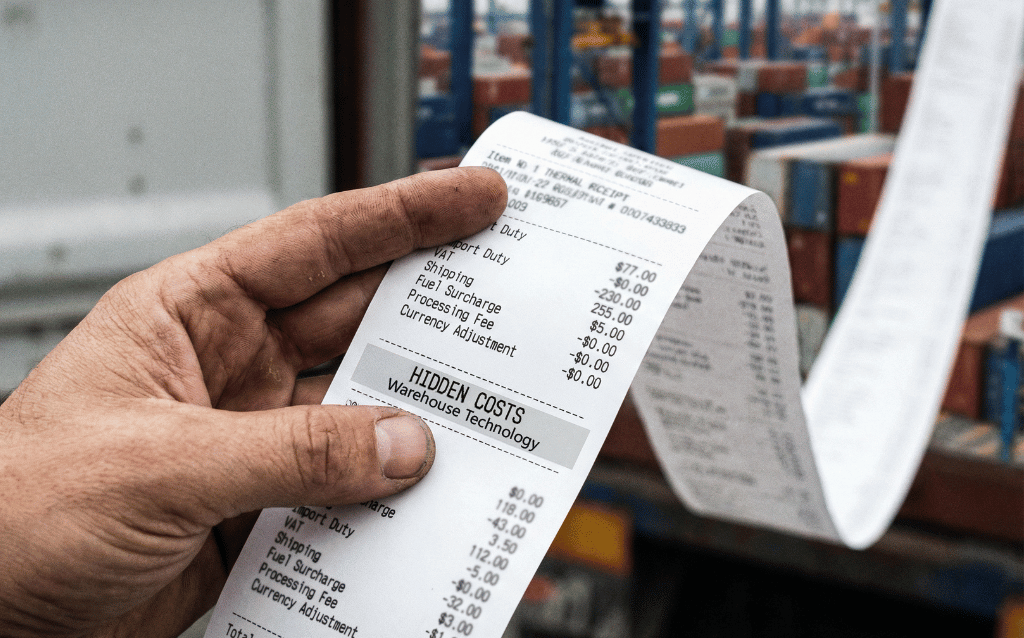
Discover the hidden costs of inadequate equipment management in warehouses and 3PLs, and learn how to enhance accountability and operational...
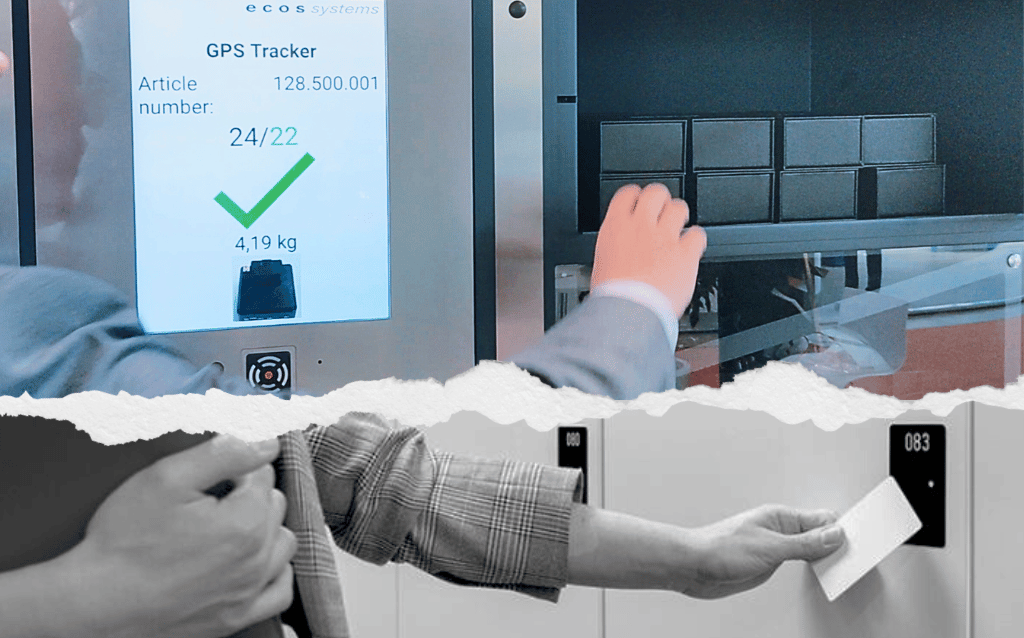
Discover how weight recognition technology surpasses RFID in equipment tracking and management, offering superior accuracy and reduced costs.