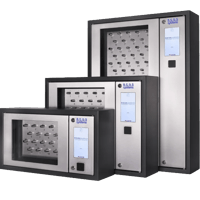
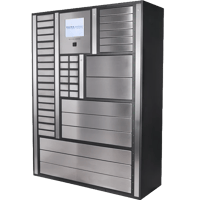
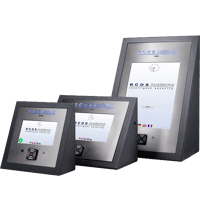
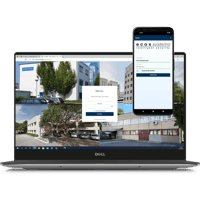
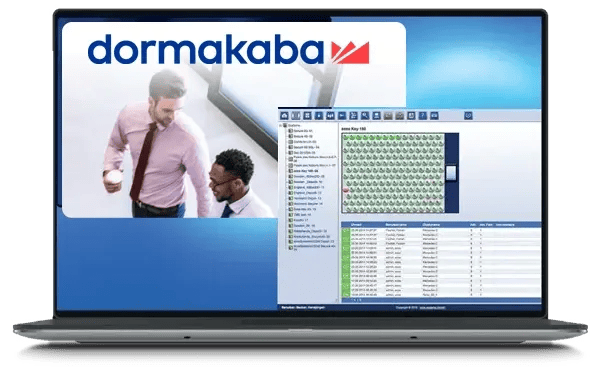
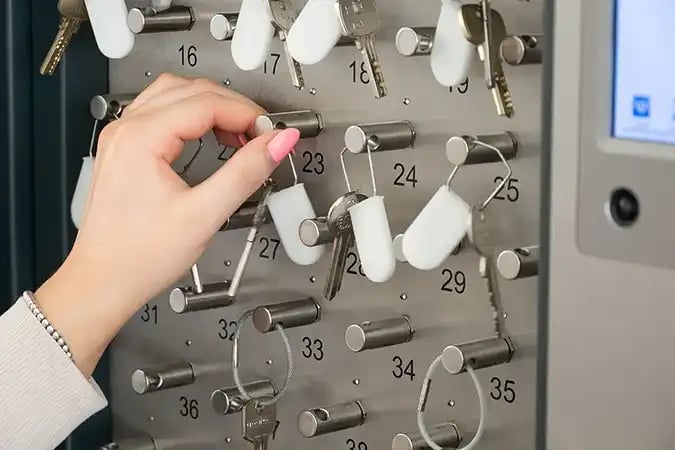
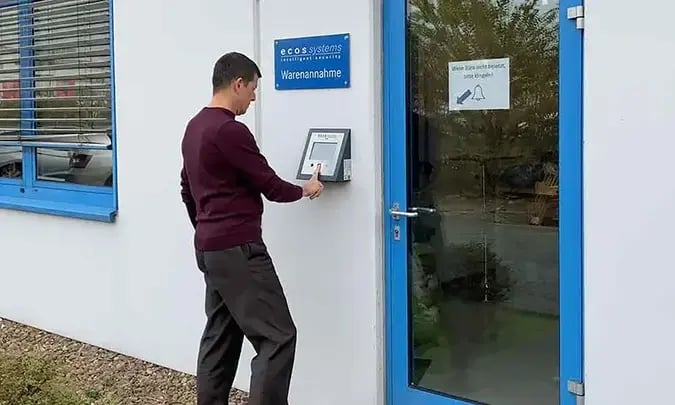
The ecos integration with dormakaba exos 9300 connects ecos webman to your exos access management system, so you manage keys and assets with the same identities and credentials as your doors. Persons, badges and access rights sync automatically, ecos events appear in exos without switching applications, and administrators maintain everything in one place. The result is tighter security, fewer lost keys and less manual work.
GENERAL INTEGRATION
The integration takes place via the exos 9300 REST API. All exos persons with a valid badge and access rights to ecos compartments or ID plugs are imported into ecos webman, together with their basic information (first name, last name, email, department).
How it works
Configuration – Set up the exos 9300 interface in ecos webman, including the API address and access credentials.
Initial import – Run a one-time import of persons, badges and access rights using ecos webman.
Automated synchronisation – Users and access rights are imported cyclically from exos 9300 to ecos webman, while historical transaction data is exported from ecos back to exos 9300.
Key Features
exos Persons and Badges
Each badge must be clearly assigned to a person in exos 9300 before it can be imported.
Badge Validity and Status
Only active badges within their validity period are imported, and badge status is synced with ecos, so expired or blocked credentials never open an ecos cabinet.
exos Access Profiles
The person must hold an access profile that grants rights to the relevant ecos ID plug or compartment.
ecos events and Alarms
ecos events and alarms are transferred to exos 9300 automatically, keeping operators informed without switching applications.
Sync persons, badges and access profiles from exos 9300 automatically, push ecos events and alarms straight into dormakaba, and keep people accountable for every key and asset — no switching applications.