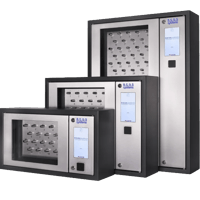
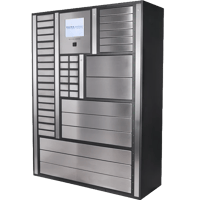
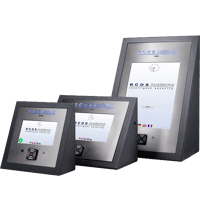
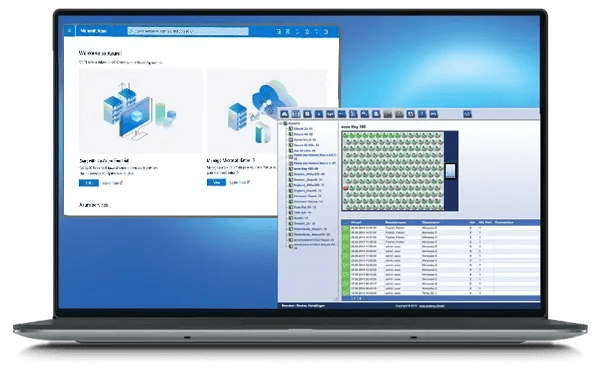
Azure Active Directory is Microsoft's directory service for managing user identities, groups and access across an organization. Connecting ecos to Azure AD keeps your key and asset access fully in step with the directory: users and their groups are synchronized into ecos, so administration is done once in Azure AD and applies to your cabinets and lockers too.
GENERAL INTEGRATION
ecos performs a full user synchronization with Azure Active Directory through the Microsoft identity APIs. Users and their group memberships are read from Azure AD into ecos webman on an ongoing basis, bringing across the details that identify each person — name, e-mail and department — so there is no separate user list to maintain for your key and asset management.
How it works
Connect ecos webman to your Azure Active Directory tenant, authorizing access and entering the connection details Microsoft requires.
Bring your Azure AD groups into ecos, where they are reflected as user groups, so your existing team structure drives access without being rebuilt by hand.
ecos synchronizes users and group changes on an ongoing basis, keeping access aligned with Azure AD as people join, move or leave.
When a user is disabled or removed in Azure AD, their access to your ecos products is withdrawn automatically at the next synchronization.
Key Features
Full directory user sync
Users are created and kept up to date in ecos directly from Azure AD, with their name, e-mail and department carried over, so no one is set up or maintained by hand.
Azure AD groups become ecos roles (RBAC)
Your Azure AD groups — Marketing, Security, Facilities and the rest — are reflected as user groups in ecos, so you never rebuild your team structure. What each group is allowed to do with your cabinets and lockers is then defined once, inside ecos.
Single sign-on for operators
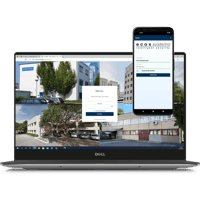
Administrators and operators sign in with their Microsoft credentials, maintaining consistent authentication with the rest of your Microsoft environment.
Automatic updates and de-provisioning
Changes in Azure AD flow through on an ongoing basis, and when someone leaves or loses a role, their access to your ecos products is revoked automatically.
One directory for people, doors, keys and assets.
Synchronize users and groups from Azure Active Directory, map access to your existing structure, and enable single sign-on — so key and asset access always tracks your directory.