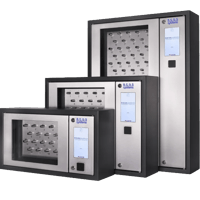
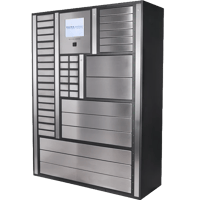
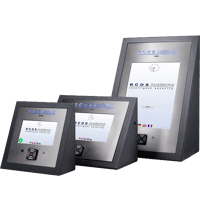
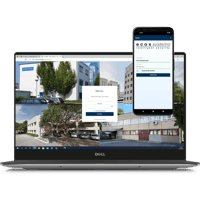
Connect your ecos key cabinets and lockers to Integriti by Inner Range and manage physical asset access from the same platform your team already relies on for doors and intrusion. The integration keeps user records aligned on their own, feeds every cabinet and locker transaction into Integriti's activity log, and holds people accountable — with no second system to administer.
GENERAL INTEGRATION
ecos talks to Integriti through the Inner Range API. Once the connection is live, ecos reads the users who hold a valid permission for an ecos compartment or ID plug and brings across the details needed to identify them — name, e-mail and department — so records never have to be re-keyed between the two systems.
How it works
Connect the two systems by entering the Integriti API address and the authentication token that lets ecos webman sign in to Inner Range.
Map each ecos user group to the matching Integriti access permission, so the right people inherit the right cabinet and locker rights.
ecos webman refreshes users and their credentials on a set schedule, drawing directly from the assigned permission.
Whenever you need it, send a complete history of ecos transactions back to Integriti for reporting and audit.
Key Features
User synchronisation
A user only appears in ecos once they hold an Integriti permission for the door, key or asset the ecos product controls — so access always follows what is already defined in Inner Range.
Credential validity
Only active credentials are carried across. Badge status stays in sync between your access control system and ecos webman. Activate, expire, or revoke a badge in one system, and ecos reflects the change in the other — the two are always aligned, with no manual updates.
Permission-based access
The link depends on each user carrying an Integriti permission that covers the relevant ecos ID plug or compartment; without one, no access is granted.
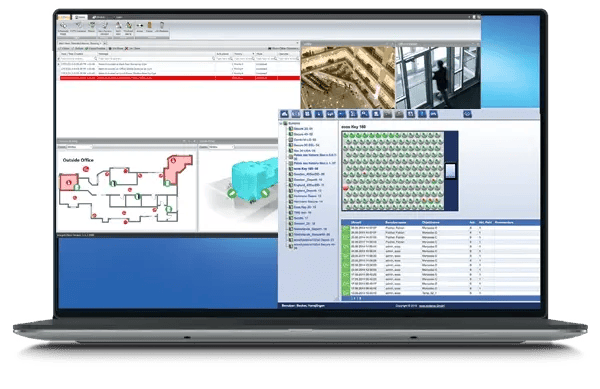
Activity and alarms in Integriti
Every event your ecos product records flows back into Integriti, keeping cabinet and locker activity and alerts in one place rather than scattered across separate tools.
Egress Protection
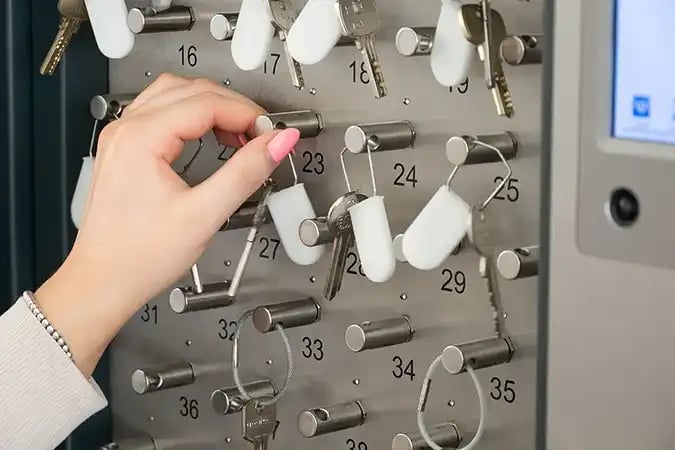
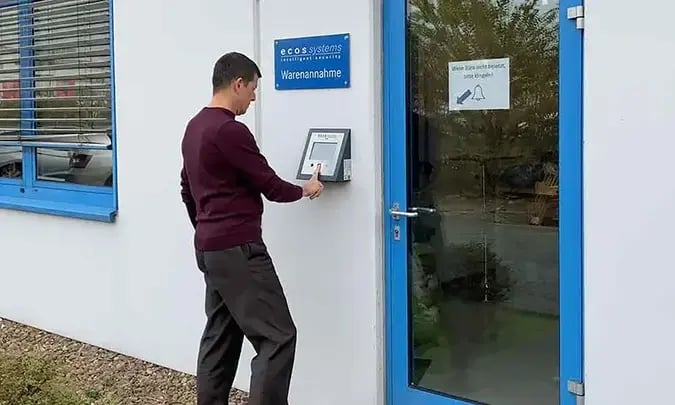
With egress protection in place, a person cannot exit the building until everything they are holding has been checked back into the ecos product, including keys and assets or equipment.
One system. Complete oversight of keys and assets.
Keep users and permissions in step, surface ecos activity inside Integriti, and hold people accountable with egress protection — all without leaving Inner Range.