



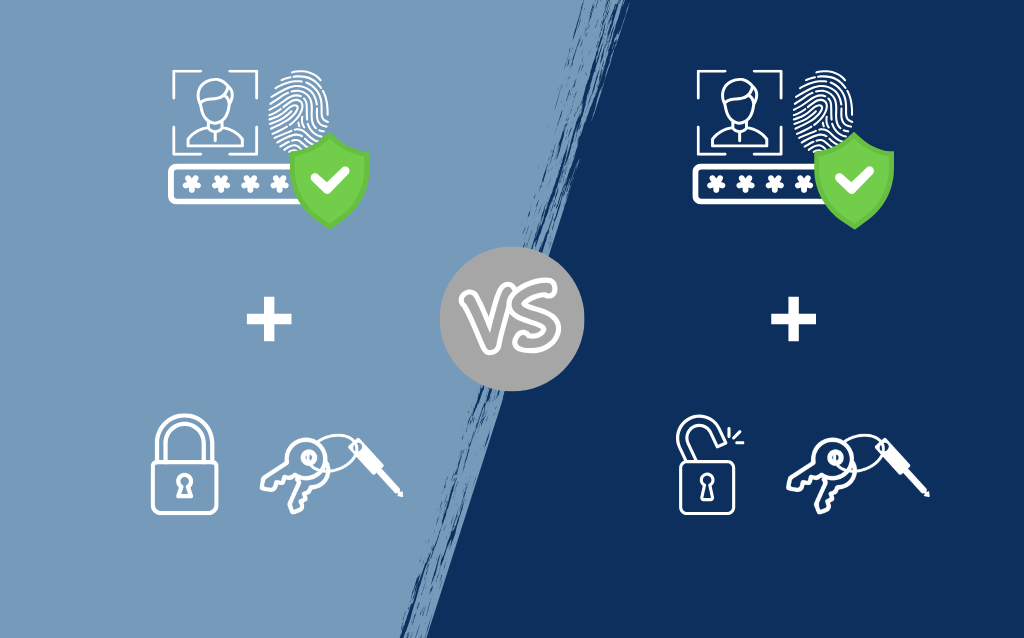
Double-Locking vs. Single-Locking Key Systems - How to Choose?
Learn how to choose between double-locking and single-locking key systems based on your organization's specific security and convenience needs.
8 min read

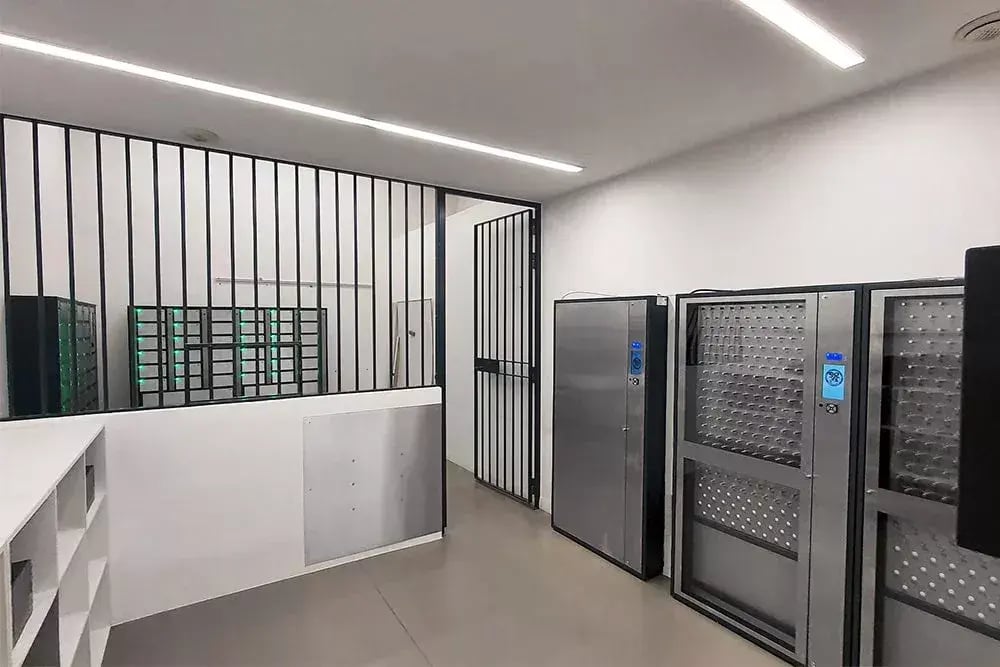
Many smart tracking solutions look similar on paper: tag-based tracking for keys and assets, digital logs, supposedly cloud-based software dashboards. On the surface, all these features sound the same. But this is a product market where details matter.
That’s because, despite how many of these solutions are marketed, one size does not fit all. A key system that works for a small 9-5 office may be insufficient for a 24/7 medical center. Tracking options in a solution built for a high volume of commodity tools may not provide the granular chain of custody data you need when managing high-value, essential assets.
The best key or asset management technology isn’t the most cutting-edge, with the most bells and whistles. It’s what integrates best into your organization. In other words, it needs to fit your workflows, your facility, and your existing technology and infrastructure.
Many guides on purchasing key and asset management systems focus on comparing and contrasting the different technologies used. We wanted to publish a guide that takes a different approach and recognizes the reality that you’re trying to solve a business problem, not own a particular technology.
A key or asset management system should have a long lifecycle in your organization. So we want to help you choose wisely.
This guide provides the context you need to understand:
There are more key and asset tracking options today than ever. Low tech, high tech, and everything in between. Here’s a structured overview of the full range of available tracking technologies, grouped by their level of functionality.
Many systems have capabilities spanning categories, such as advanced tier sensors and intelligent tier integration capabilities.
These are the simplest, lowest-cost methods, ideal for low-risk worksites with minimal tracking requirements.
|
Technology |
How It Works |
Best For |
|
Pegboards & Keyboards |
Keys hung on labeled hooks, users sign out manually |
Small offices, low-security facilities |
|
Paper Logbooks |
Users log key check-in/check-out by hand |
Temporary sites, trusted volunteer-run operations |
|
Color-Coded Tags |
Visual identification via colored tags or labels |
Fast, low-tech identification in controlled settings |
Pros: Inexpensive, easy to set up
Cons: No real visibility into where keys are, prone to human error, no audit trail
These solutions add digital logging but still rely heavily on you having accountable users.
|
Technology |
How It Works |
Best For |
|
Magnetic Swipe Cards |
Swipe-based access to key and asset cabinets |
When you need to integrate with legacy access control systems |
|
Keypad Entry |
PIN-based access to lockers or cabinets |
Facilities with limited user turnover |
|
Basic RFID Fobs |
Tag scanning at cabinet level (Tap) |
Entry-level digital tracking |
Pros: Digital audit trails, moderate security improvements
Cons: No verification of actual object return, vulnerable to spoofing or bypass
These systems offer automated logging and better accountability, but their reliability varies widely depending on the vendor.
|
Technology |
How It Works |
Best For |
|
Passive RFID |
Tags scanned at doorways or access panels |
Inventory tracking, warehouse entry/exit |
|
Active RFID (Real-Time Locating Systems) |
Battery-powered tags broadcast signals to readers |
Large facilities need proximity tracking of high-value assets |
|
Bluetooth/BLE Beacons |
Low-energy signals picked up by hubs or smartphones |
Indoor asset tracking, mobile workforce environments |
Pros: Real-time location data, better visibility than manual systems
Cons: Can be prone to signal interference, high infrastructure cost, and limited precision
These technologies provide high accuracy and automated verification, suitable for high-security or high-efficiency environments.
|
Technology |
How It Works |
Best For |
|
Ultra-Wideband (UWB) |
Time-of-flight signal measurement allows for precision tracking |
Manufacturing, healthcare, high-value asset tracking |
|
Weight Recognition |
Precision scales detect the presence, or absence and measures the quantities of items in compartments |
Consumables, tools, ammunition, medical supplies |
|
Metal-to-Metal Contact Sensors |
Physical connection confirms object return |
High-security key management, mission-critical access |
|
Dual-Technology Systems |
Combines RFID, weight, or other contact sensors for precision, reliable verification |
Organizations need both speed and accountability |
Pros: High accuracy, tamper-resistant, minimal manual oversight
Cons: May require higher initial investment unless well-engineered, may require integration planning
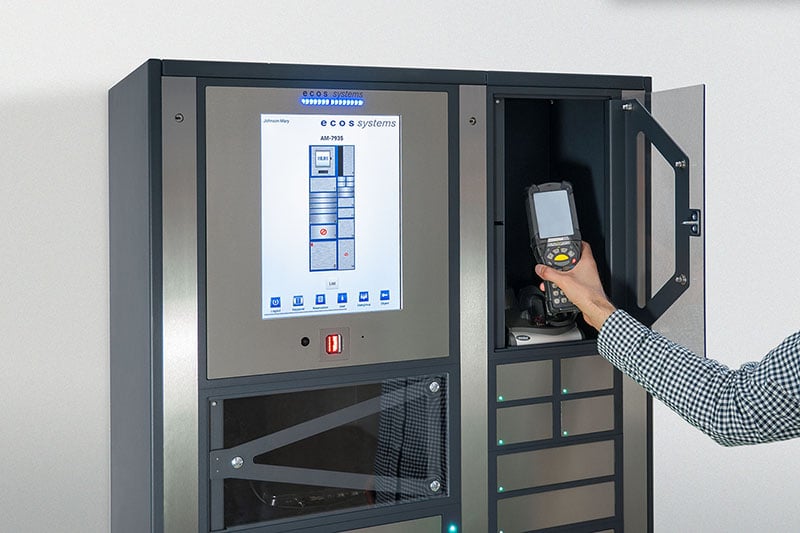
At this tier, tracking becomes integrated and predictive.
|
Technology |
How It Works |
Best For |
|
Cloud-Connected Smart Lockers |
Real-time monitoring, remote access, automated updates |
Distributed teams, multi-site operations |
|
AI-Driven Analytics Platforms |
Predictive usage patterns, anomaly detection, automated alerts |
Large enterprises, compliance-heavy industries |
|
Hybrid IoT Systems |
Combines multiple sensors with cloud intelligence |
Future-ready organizations scaling operations |
Pros: Scalable, secure, integrates with existing IT systems
Cons: Can require formalized change management processes and structured training
This five-step assessment framework will help you match the best key or asset tracking system to your business case.
Key or asset tracking needs will vary widely depending on whether you’re focused on:
To start, look beyond simple day-to-day operations and clarify your strategic goals. What overarching business problem(s) are you trying to solve?
Examples
A hospital managing narcotics needs security and compliance. They will focus their selection process on physical and digital security features, logging capabilities, and alerting.
A warehouse tracking handheld scanners needs efficiency and loss prevention. They will focus their selection process on asset tracking systems with simple design for rapid exchanges and real-time monitoring capabilities to identify misplacements as they occur.

Evaluate the physical and logistical conditions that will impact performance. Where and how will the system be used?
What are you tracking? How valuable is it? How impactful is its loss to your operations? Build a high-level inventory of all the keys or assets you want to track (Which may not be everything in your organization) and consider:
What level of verification and reporting is required? Depending on industry or regulatory standards, you may need more than basic logging for some of your assets.
Do you need real-time alerts for unauthorized access? Must you prove physical return, not just tag scans? Are audit trails required to be immutable?
Reality check: TapID-style RFID systems often fail here. They only verify presence at the scanner, they can’t verify that a user actually returned an asset or key.
Upfront purchase pricing is important, but since a key or asset management system is a long-term investment, the better cost metric you should consider is TCO. This can be hard to calculate for a smart management system, since so much of the value is intangible or generated indirectly. However, it is possible to calculate, and this should be the final step before making any purchase decisions.
TCO is the sum of all direct and indirect costs over a system’s lifespan, typically at least 10 years for a reliable system. Here are all the cost categories you need to consider, along with the most important items and activities to include in each.
|
Cost Category |
What to Include |
Why it Matters |
|
Hardware |
Initial purchase price of key or asset system, tags, and additional sensors |
The most visible costs, but often the smallest over time |
|
Software |
Software licenses, new software versions, compatibility updates, end-of-life replacements |
Initially, lower-cost systems may require full hardware refreshes, updates to cloud-based software typically handled by the provider, not the user. Cloud-based systems can offer more value than traditional on-premises infrastructure. |
|
Installation & Setup |
Network configuration, system calibration, integration with existing systems |
Complex systems may require professional installation or contractor labor |
|
Training & Change Management |
Labor spent onboarding users and developing training material |
Poor adoption leads to workarounds and can reduce ROI, thereby increasing TCO |
|
Ongoing Hardware Maintenance |
Firmware updates, repairs, reader calibration, battery replacements |
Well-engineered systems typically will have significantly lower maintenance costs |
|
Tag & Component Replacement |
Lost or damaged tags, fobs, or sensors |
Passive RFID and barcodes are cheap to replace, UWB tags are more expensive but last longer, and scales do not require replacement |
|
Administrative Overhead |
Estimate the labor spent on audits, manual verification, and reconciliation |
Systems that can’t verify physical return create hidden labor costs |
|
Risk & Loss Costs |
Lost assets, rekeying, compliance fines, downtime |
Consider the costs of system failure, critical key, or asset loss on your operations |
We’ve helped many customers worldwide deploy reliable key and asset management systems, and we’ve learned a few important things about maximizing the value of your systems over time. Based on our experience, the three most important things we think customers should consider about TCO are:
After you’ve selected the right key or asset management system, you need to install it. This process can be just as rigorous, but with just a little bit of planning, you’ll not only get it right the first time, but also help maximize your investment.
We recommend taking these five critical steps during your installation process.
To boost adoption:
Before rolling it out across your entire organization, test deploy your key or asset management system in a smaller, controlled environment. A business unit with a reliable number of power users is often the best place for pilots, as you know they will give new technology thorough testing.
New system deployments often fail not because they’re flawed but because people don’t know how to use them, or why they’re there in the first place.
Possible strategies to get employee buy-in:
You can’t manage what you don’t measure. Before your full launch, define the Key Performance Indicators (KPIs) you will use to measure the success of your new system.
Depending on your organizational needs, those KPIs could include:
|
Metric |
When it Matters |
|
Asset loss rate |
When you want to measure the reduction in lost or stolen items |
|
Time to locate |
When missing assets have hurt your operational efficiency |
|
Administrative labor hours |
When you care about reducing administrative overhead |
New technology is only useful if your people know how to use it. Buying an intuitive, easy-to-use system will help, but depending on the workflows that matter to you in your organization, you probably also want to conduct some level of user training as you roll out your key or asset management system organization-wide.
Your training should cover:
When you execute it well, a new key or asset tracking system installation can be your foundation for long-term success. When you do it right, you’re developing an operational strategy that impacts all areas of your business: security, efficiency, compliance, and cost control efforts.
Before you commit to one specific provider, ask yourself:
A thoughtful selection process may take more time upfront, but it pays dividends in reliability, scalability, and peace of mind.
Now that you have the complete framework, you’re ready to make a decision that transforms how your organization manages its most critical assets.
Schedule your readiness assessment with ecos systems today.
Learn how to choose between double-locking and single-locking key systems based on your organization's specific security and convenience needs.

Explore the pros and cons of cloud-based vs. on-premises physical key management systems to determine the best fit for your organization.

Understand the hidden security risks of external scanners on key cabinets and why relying on external RFID scanning can leave your organization...