



Double-Locking vs. Single-Locking Key Systems - How to Choose?
Learn how to choose between double-locking and single-locking key systems based on your organization's specific security and convenience needs.
5 min read
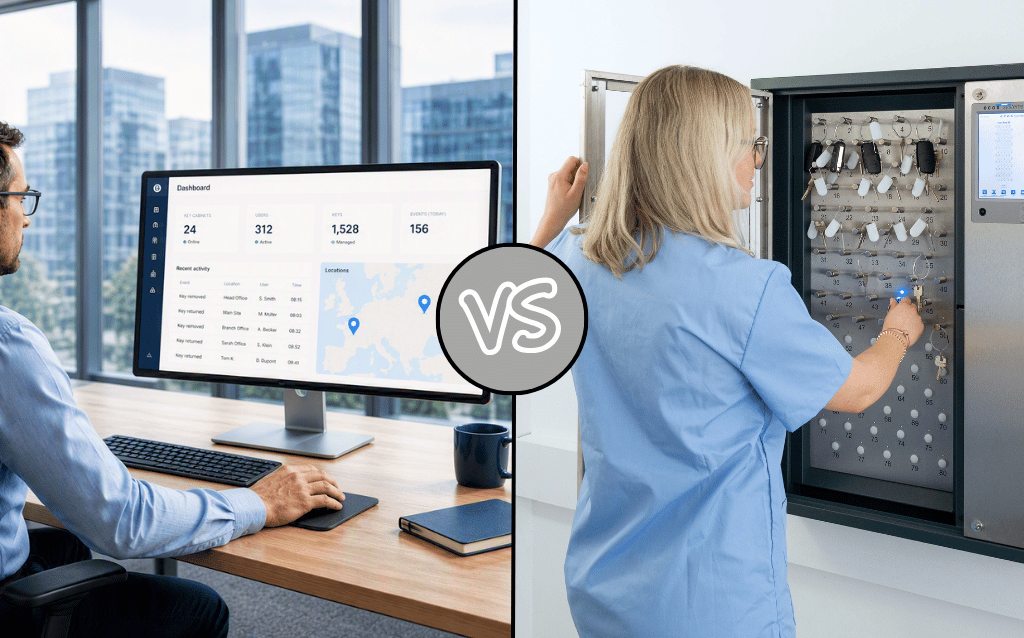
Traditional key management systems quickly reveal their limitations when your organization expands to multiple worksites. Tension develops between the need for centralized oversight and the practical realities of day-to-day on-site work.
Centralizing too much management can slow response times to critical issues. But too much autonomy can allow standards to drift site-to-site, which, at best, is inefficient when staff need to move between locations, and, at worst, might create unnecessary security and compliance risks.
The solution to the centralization vs autonomy question is to take a new approach: cloud-based key management that unifies control without sacrificing business agility.
The debate surrounding key management for multi-site organizations often comes down to a false choice: full centralization versus complete local autonomy. But neither extreme is ideal. Each can pose significant business challenges.
A top-down approach to key management may keep things consistent across your organization, but it won’t always meet the demands of the real world. Distributed teams might operate on different schedules and use different staffing models. And face different emergency scenarios. Requiring every management decision or user update to go through a central office can lead to delays when you can least afford them.
Allowing process drift can create unnecessary risk over time, both to organizational security and compliance efforts. One site might maintain strict audit trails on key access, while another relies on paper logs. Reconciling these records makes reporting more time-consuming and can create security blind spots. For example, a master key copy may disappear at one site that uses paper logs and only be noticed weeks later after it’s been used to access another site.
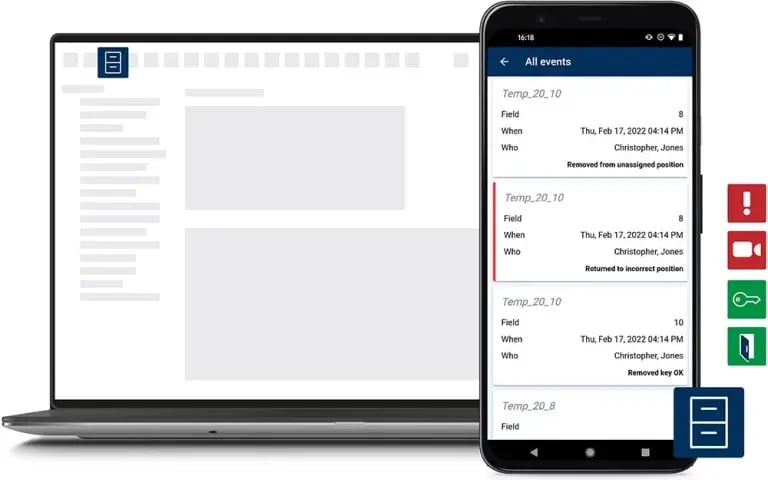
When you boil it down, the challenge of balancing central versus local control is deciding where decision-making should occur. Does it need to be at headquarters only, or should every satellite office have a say? Cloud-based architecture sidesteps this problem by enabling decision-making everywhere.
Using a cloud-based software platform, individual changes made at one location are reflected instantly across the entire organization. If you’re using many separate, integrated systems, updates might take hours or even days to propagate. Cloud-based systems rely on real-time synchronization, so you can be confident that policies are enforced everywhere, immediately.
The immediate response from skeptics is to worry about power or network outages. What if they go down when you’re using a cloud-based system? Doesn’t that mean all your keys are inaccessible? Modern cloud-based systems, like those from ecos, can maintain access controls both in the cloud and at the cabinet. Your team can still access keys when the network is down, and all logs are sent to the cloud as soon as the network comes back up.
A cloud platform can easily maintain an enterprise-wide dashboard for you. Instead of manually collecting reports from every worksite, you just generate compliance-ready summaries with a few clicks. See everything from for access logs and problem reports to general system health.
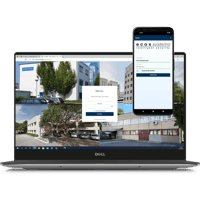
With a cloud system, authorized users can manage access, respond to alerts, or remotely log a handoff in the field from any internet-connected device.
One concern many large, distributed organizations have is getting access to technical support outside their local business hours. ecos operates support centers in dozens of countries, including the USA, the UK, and Australia, to provide 24/7 assistance worldwide. This global coverage ensures help is available regardless of where or when an issue arises, a capability not commonly found among other providers.
Adding a new location to a cloud-based key system doesn’t mean deploying servers, installing software, or training an entirely new IT team. You can quickly and easily integrate each new site. Because infrastructure costs are shared across the network, the cost per location decreases as you scale.
If one site experiences a network outage or hardware failure, it doesn’t impact the rest of the system. Provider-managed clouds remain globally accessible, a difficult and expensive capability to replicate with on-premise solutions.
The provider deploys software updates and feature patches system-wide without you needing to power down any systems. On-premise systems often require manual upgrades at each location.
Managing multiple work sites has become even more challenging today, as hybrid workforces grow. Not only do you need to manage access to multiple locations, but you also have a fluid stream of employees, contractors, and visitors moving between each, often on completely different schedules and non-standard hours.
Trying to manage the challenges of multiple workspaces and a hybrid workforce separately is inefficient at best. The most effective key management programs treat both as part of a single, fluid working reality.
With cloud-based access control, managers working remotely can still monitor activity, approve access requests, and respond to incidents in real time, regardless of physical location. For example, a manager at home can securely authorize after-hours access through an app or issue temporary access for vendors or visiting personnel.
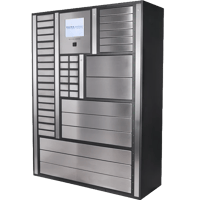
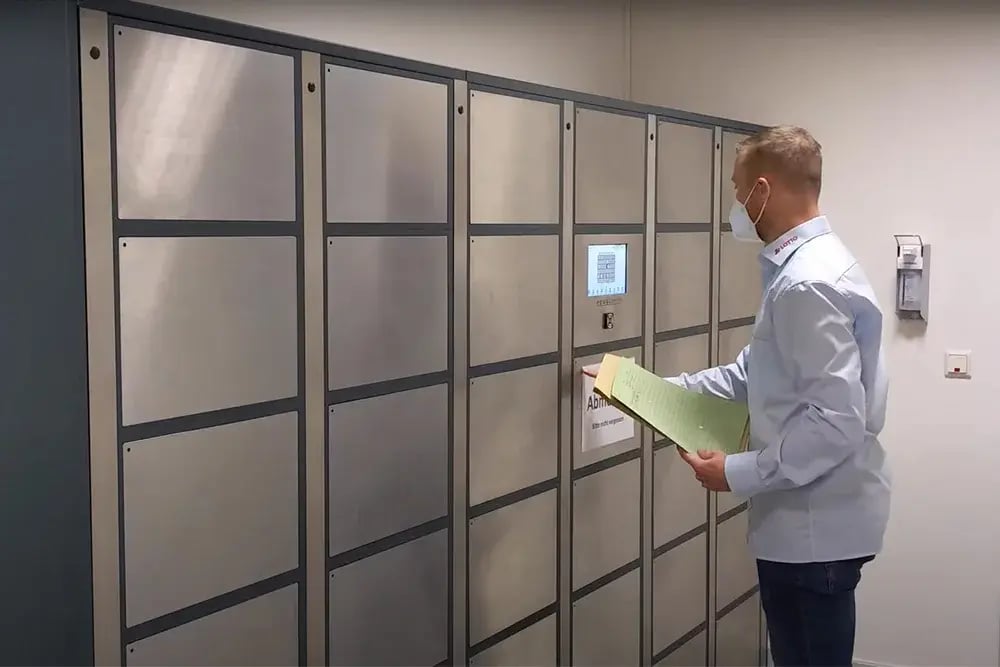
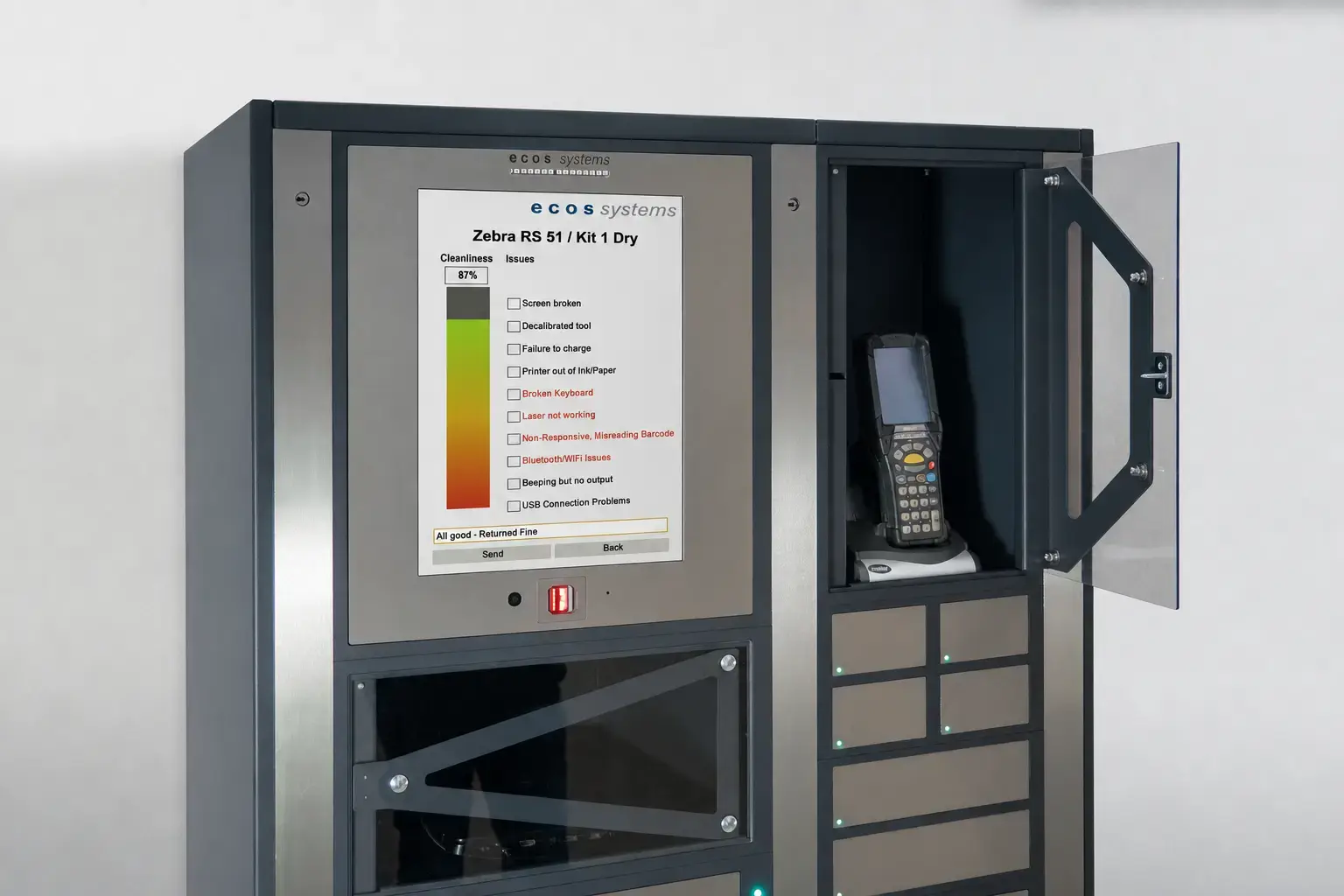
Hybrid workforces also often need laptops, toolkits, or other equipment when they move to a new location or start a new position. Solutions like ecos lockers, strategically placed at different worksites, can pair with key control units to provide secure, self-service access to all the equipment hybrid workers need.
How you manage physical access and keys can vary significantly by industry.
Retail chains can face high turnover, especially during peak shopping seasons, and often must manage stores with different operating hours. A scalable, cloud-based key system allows corporate teams to enforce standardized security without interfering with local managers who issue temporary access to seasonal employees or vendors.
Clinicians and support staff frequently move between hospitals, clinics, and outpatient centers. A unified key management system helps maintain standard access control everywhere. You don’t want a newly-promoted nurse locked out of the hospital pharmacy. Modern cloud security standards can be fully compliant with HIPAA regulations for protecting patient data and DEA requirements for controlling access to narcotics.
Managing large property portfolios requires significant coordination among maintenance teams, on-site staff, and contractors. Emergency access must be fast and reliable. With a cloud-based key control system, property managers can issue time-bound access to service personnel and monitor activity across the property in real time.
Faculty, researchers, and students all regularly work in many different buildings across campus. Larger institutions will even have to coordinate multiple campuses. Here again, you can set campus-wide policies while giving departmental or building administrators autonomy over specialized facilities like research labs or recording studios. Temporary access for visiting scholars or event staff can be managed locally, but remains visible to all campus-wide administrative and security teams.
Deploying a new key management system across multiple locations doesn’t have to be disruptive or overwhelming. Taking a structured and phased approach will reduce security risks and usually ensure more consistent adoption.
Start with a single location, preferably smaller, but whose workflows are a good, representative sample of your broader operational complexity. Ideal pilot sites should have many different access patterns and mixed staffing models (e.g., full-time, part-time, contractors). By keeping the pilot smaller and self-contained, you can better address unexpected challenges as they arise. And then successful steps here will fill in a blueprint for future rollouts.
After the pilot, expand using a deployment strategy that best suits your organization’s structure. Typical options include:
Identify and train regional project “champions” who can guide local teams, answer questions, and model best practices. Use these “train-the-trainer” programs to create a network of knowledgeable advocates.
When transitioning from legacy systems, choose a migration method based on risk tolerance:
Key performance indicators might include:
Tracking these metrics helps identify bottlenecks and shows leadership a tangible ROI.
Managing physical access across multiple locations doesn’t have to mean choosing between control and agility. The real solution lies in designing a system that scales with your organization.
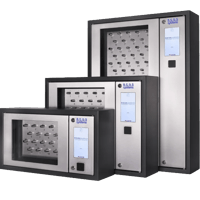
A provider-managed cloud platform, like ecos key management cabinets, can best enable this balance. Whether you're managing 10 sites or 100+, the same architecture supports them all, reducing complexity and cost per location.
With features like real-time synchronization, mobile-first management, and integration into HR and workplace systems, ecos key management systems adapt to how your people actually work.
Contact ecos Systems today to discuss your key management needs.
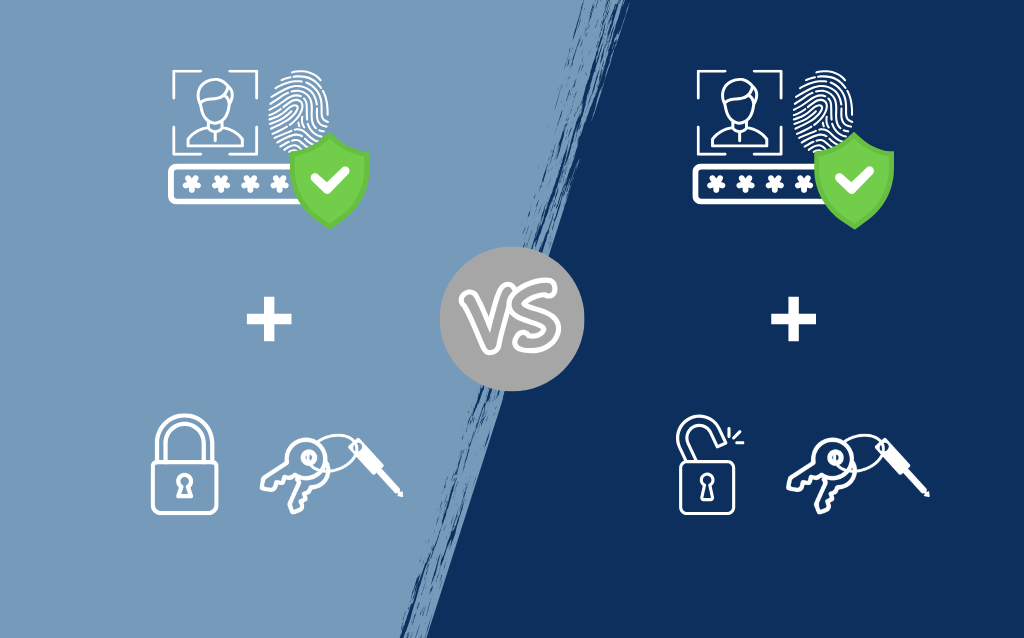
Learn how to choose between double-locking and single-locking key systems based on your organization's specific security and convenience needs.

Discover how mobile-powered key handoffs can enhance accountability, streamline shift changes, and improve security for 24/7 operations.
Using multi-bay chargers in smart lockers undermines accountability and efficiency. Learn the benefits of one device per compartment for asset...